Chapters
Manual homeChapter 9
Handovers
Who hands over: an assignment manager, an administrator, whoever has the machine, or whoever is in charge of the line it is at. Who receives: the person it is for, the in-charge of the line, or for the store an inventory manager.
A machine goes to a person, to a line or area, or back to the store. It is not theirs until they scan it.
Hand a machine over
An assignment manager's Home has Hand over, Waiting and Report fault. Tap Hand over.
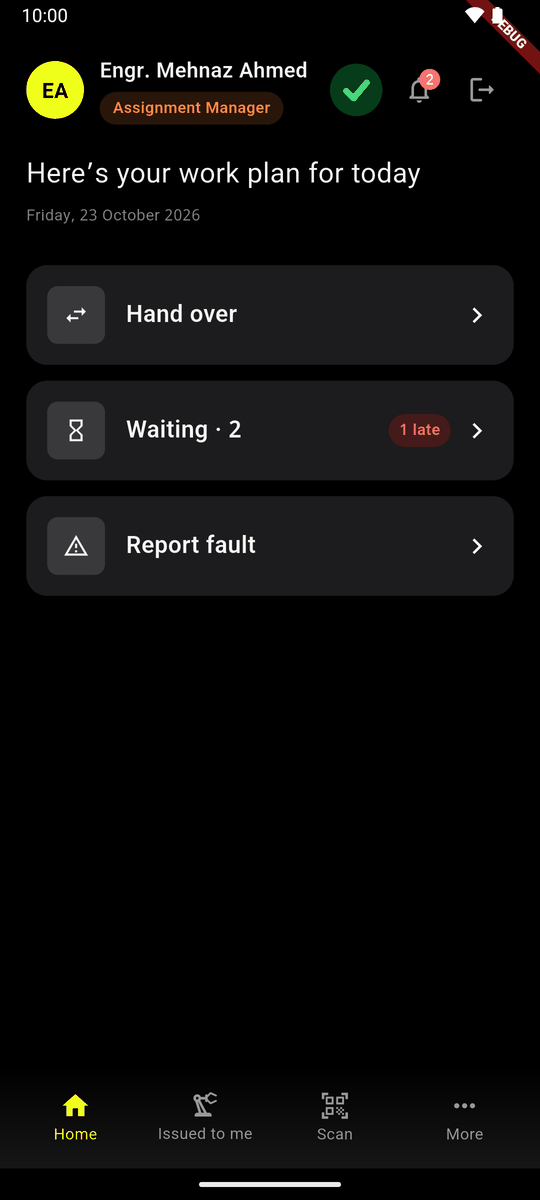
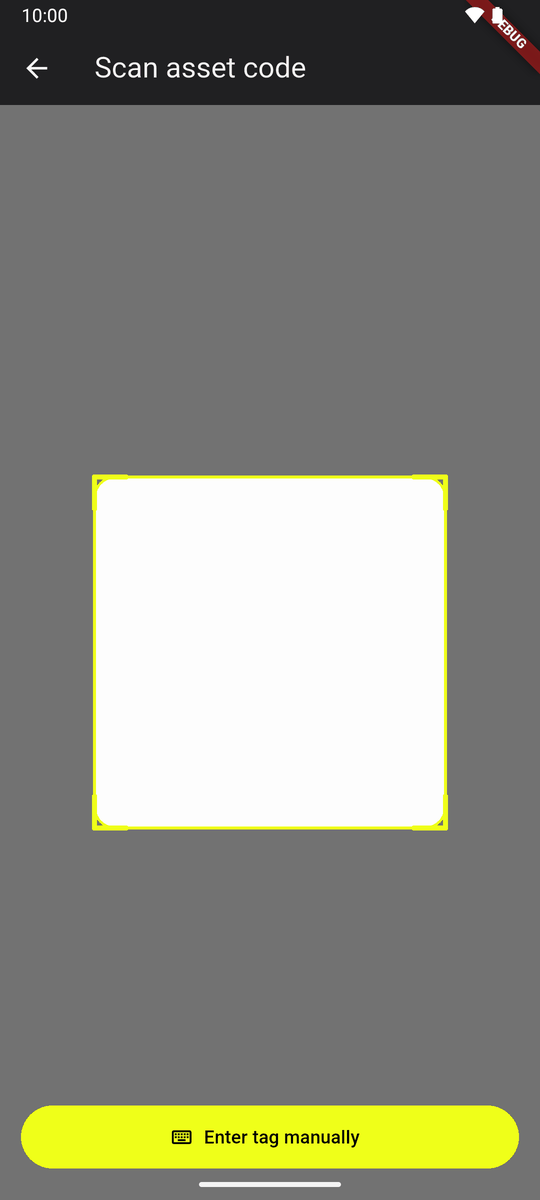
An assignment manager's Home Scan the machine's tag. (Enter tag manually if it will not scan.)
Scan the machine Its page opens. Tap Hand over. (Anybody who has a machine can do the same from its page.)
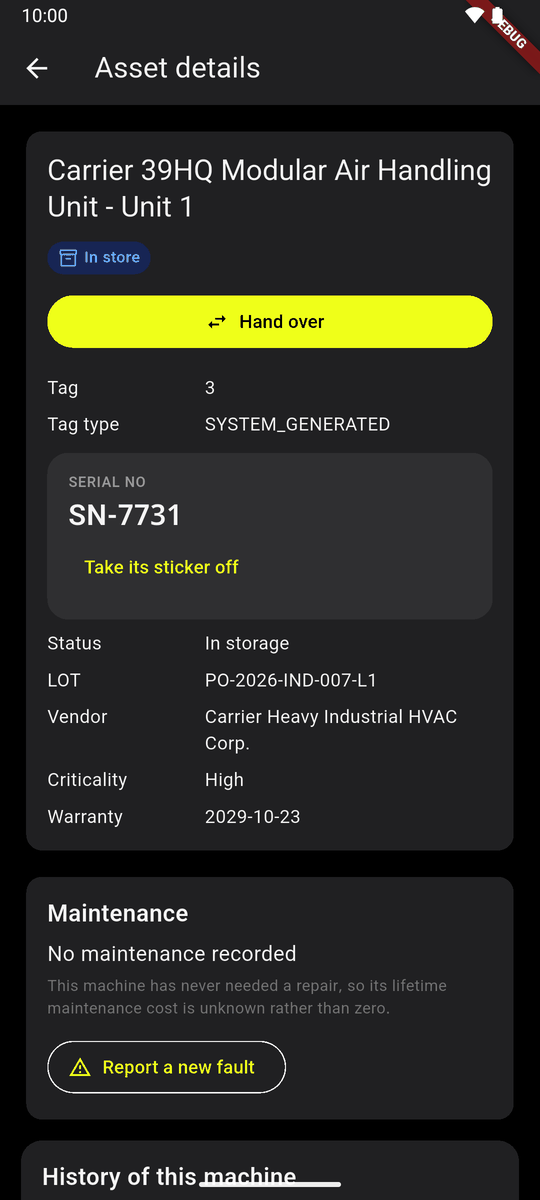
The machine's page, with Hand over Who gets it? Choose Person or Place, then tap one. Recent ones are first; Search finds the others.
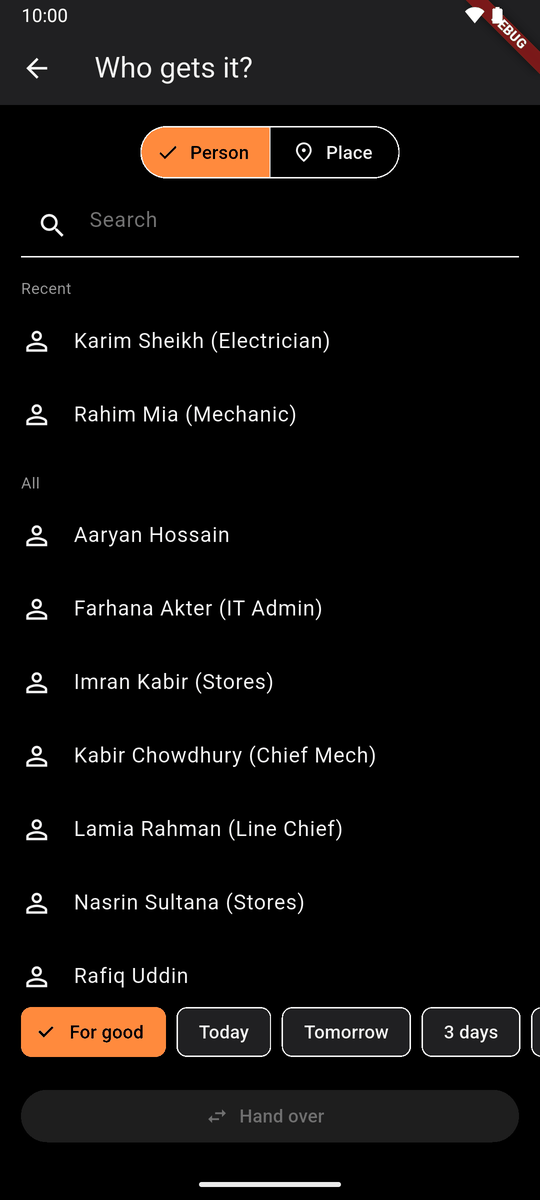
Who gets it? A person 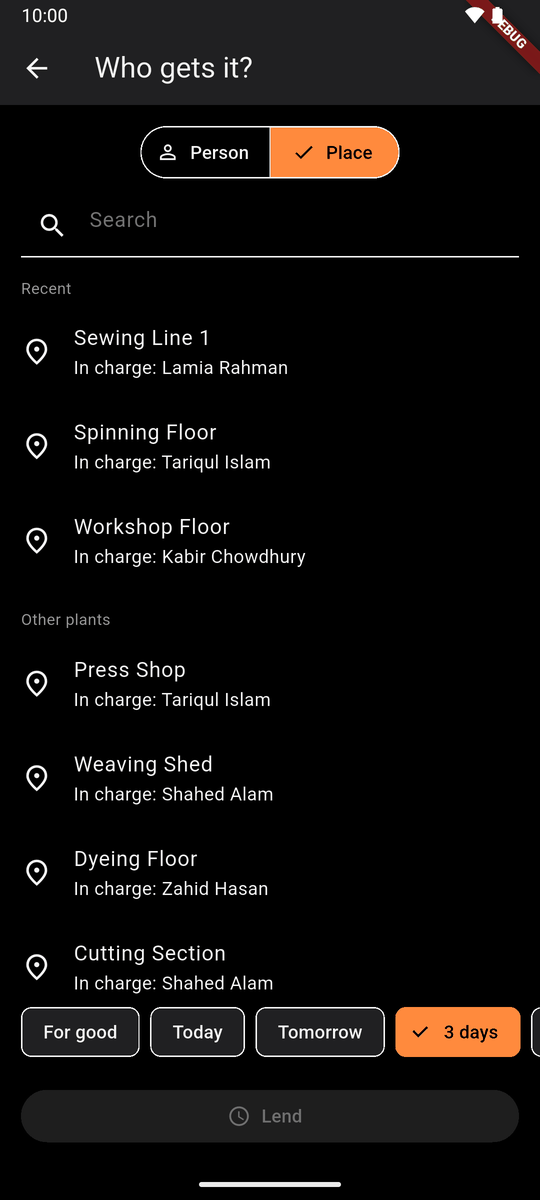
A place: lines and areas, with who is in charge At the bottom, how long: For good, or Today, Tomorrow, 3 days, 1 week… (a loan; see below). Tap Hand over.
Nothing about the machine changes yet. It reads Waiting · Rafiq Uddin until Rafiq scans it. Whoever started it can Cancel.
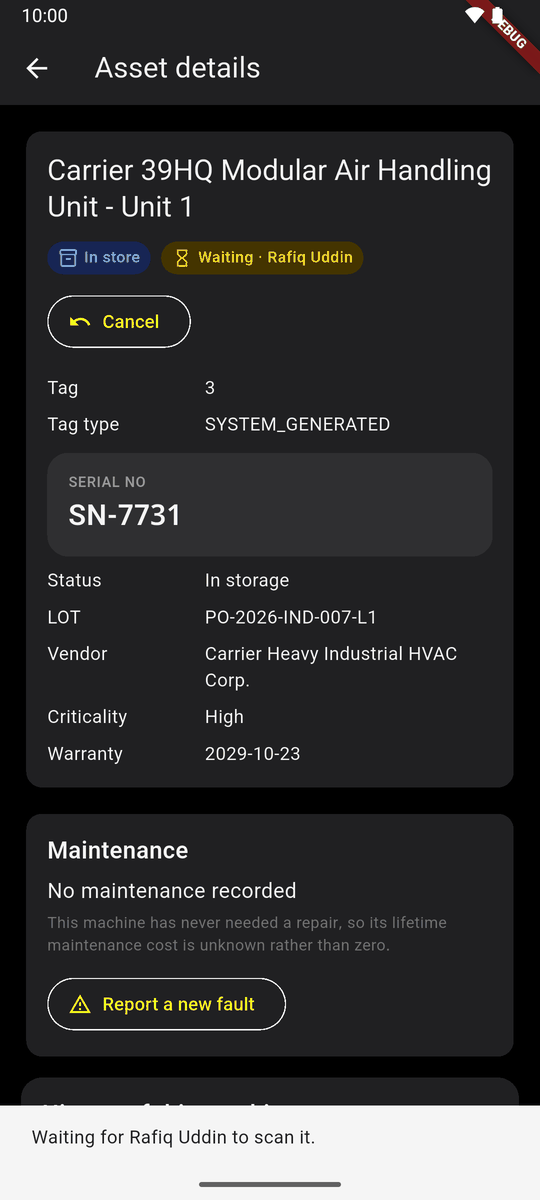
Waiting · Rafiq Uddin
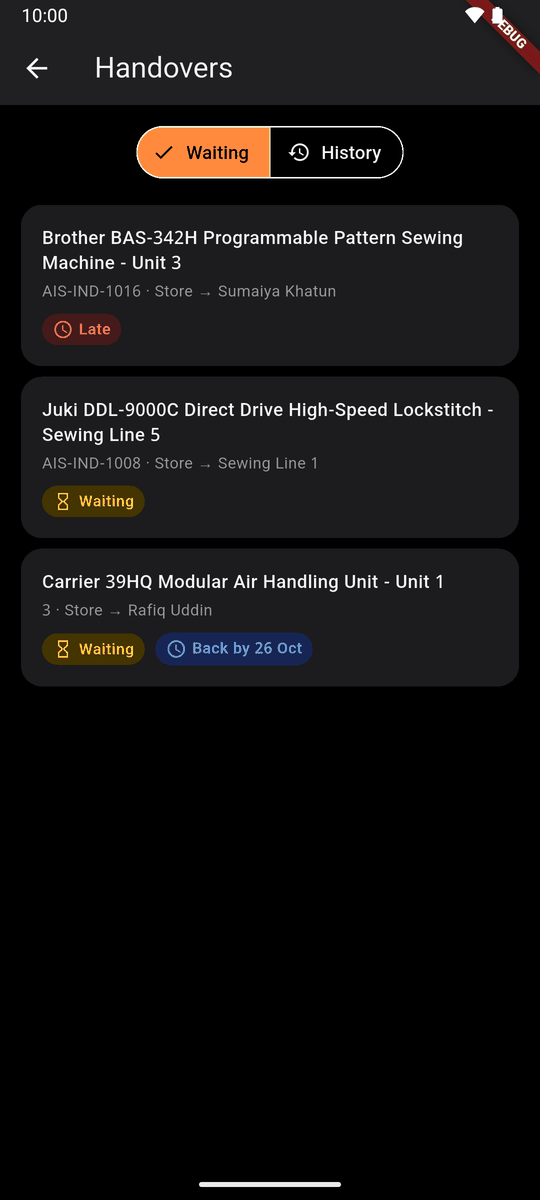
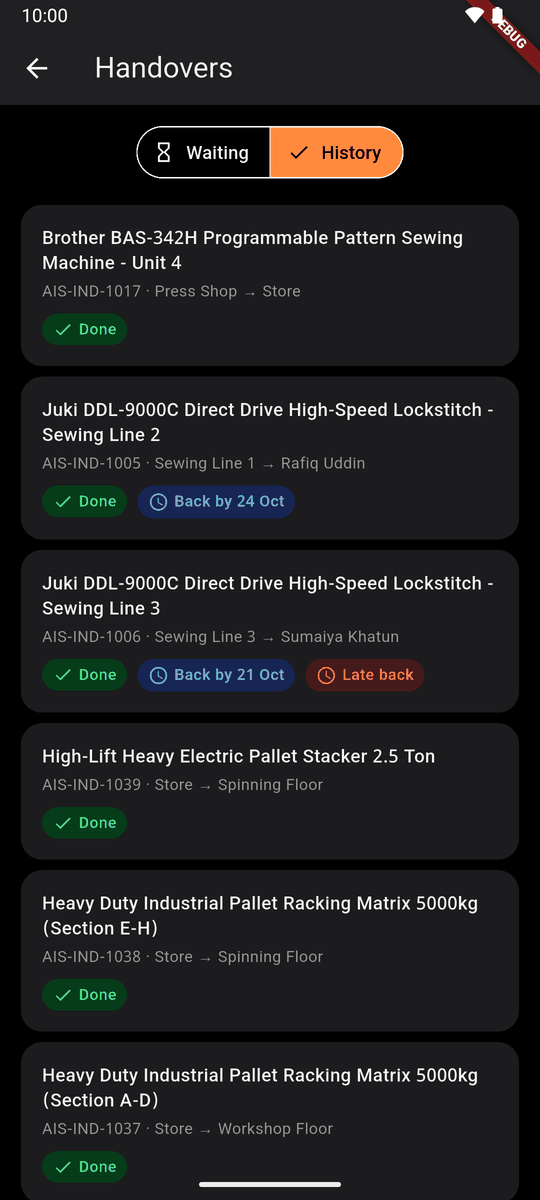
Waiting on Home lists the handovers not yet received (Late after a day); History lists those that are over.
Receive a machine
On Home, For you lists machines waiting for you. Not yours? Tap Refuse on the card and say why.
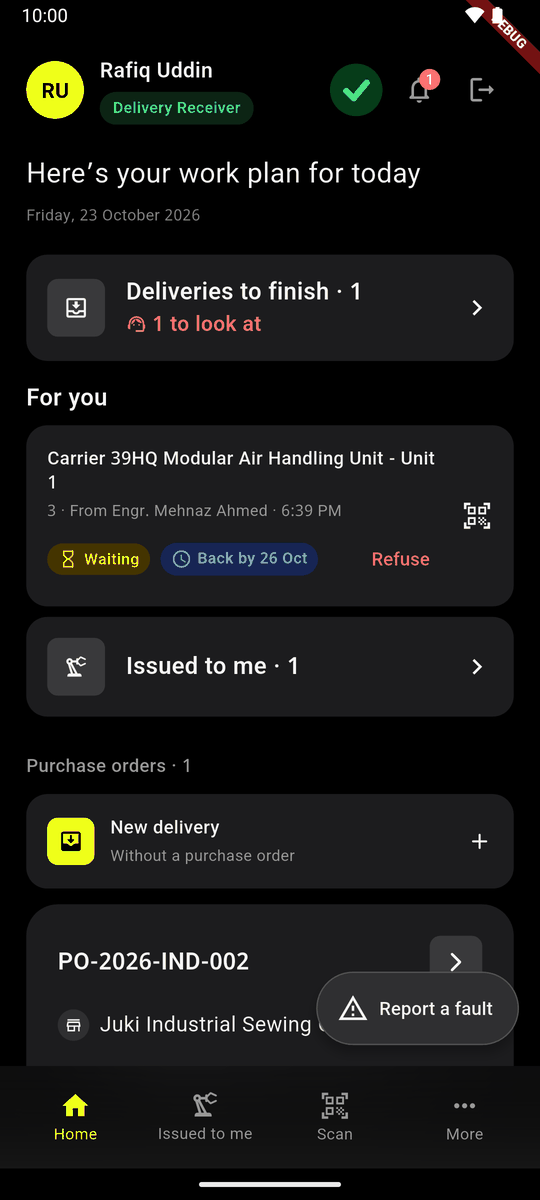
For you Go to the machine. Tap Scan at the bottom and scan its tag. It is yours now: Yours now. Tap Done.
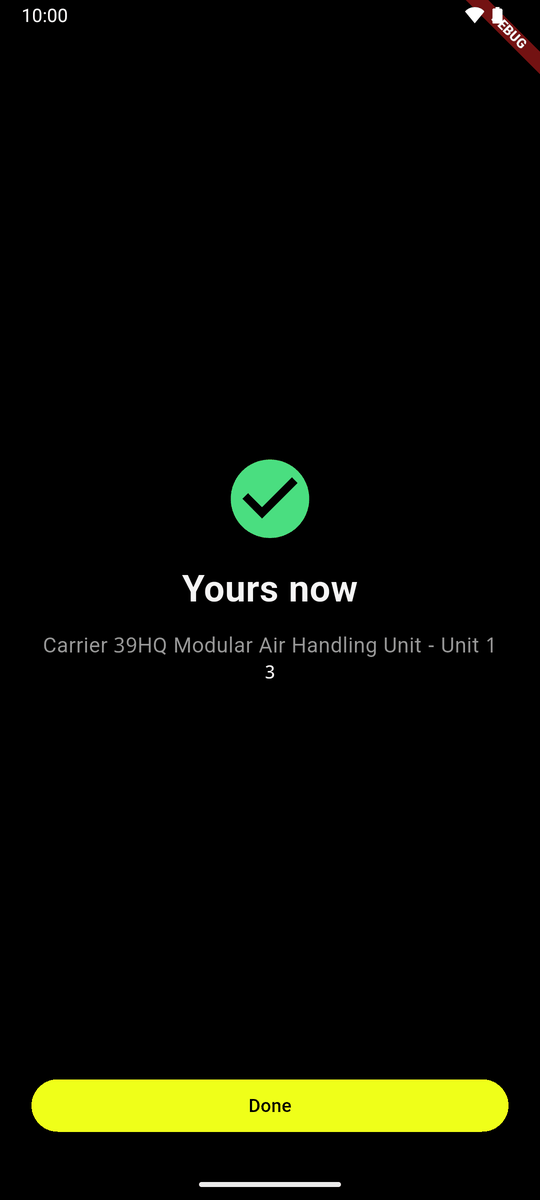
Yours now Issued to me lists the machines you have.
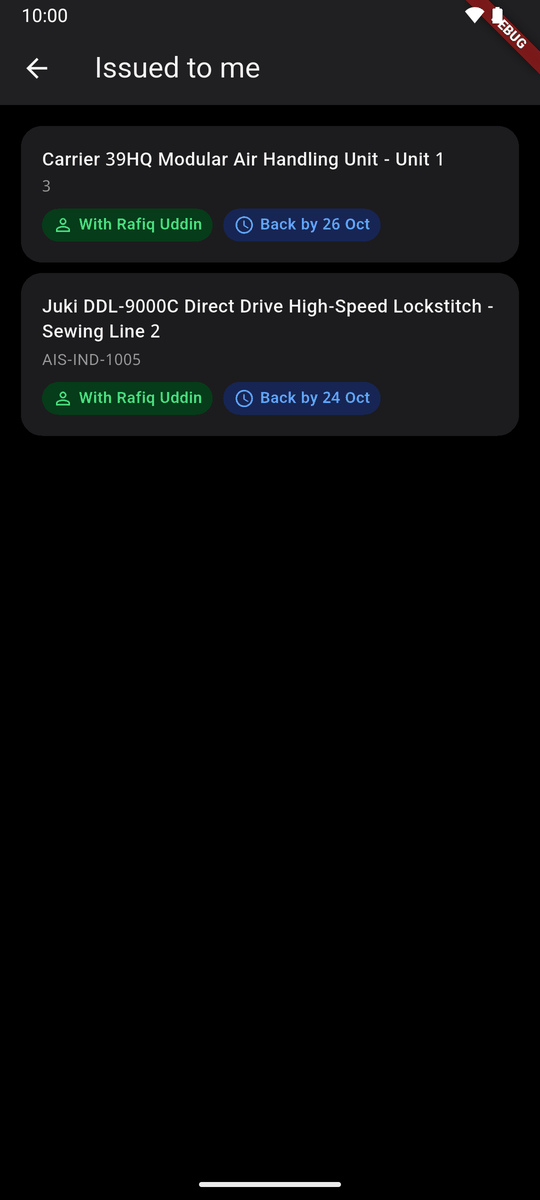
Issued to me
With no signal the scan is kept on the phone and says Kept on this phone. It becomes yours when it is sent.
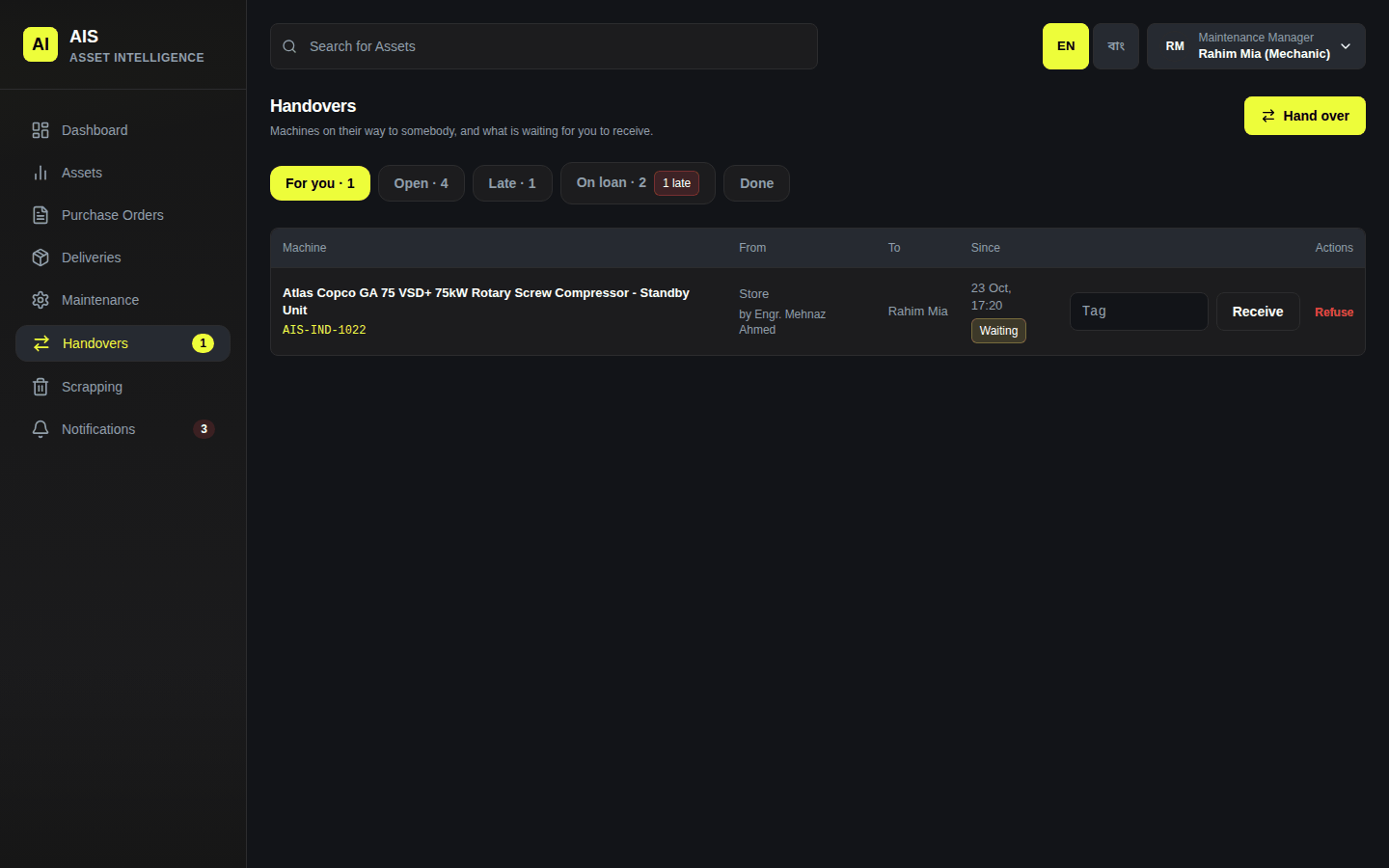
On the website, the machine is under Handovers → For you; type its tag and click Receive.
Lend a machine for a time
When handing over, tap how long: Today, Tomorrow, 3 days, 1 week or a date. The button then says Lend.
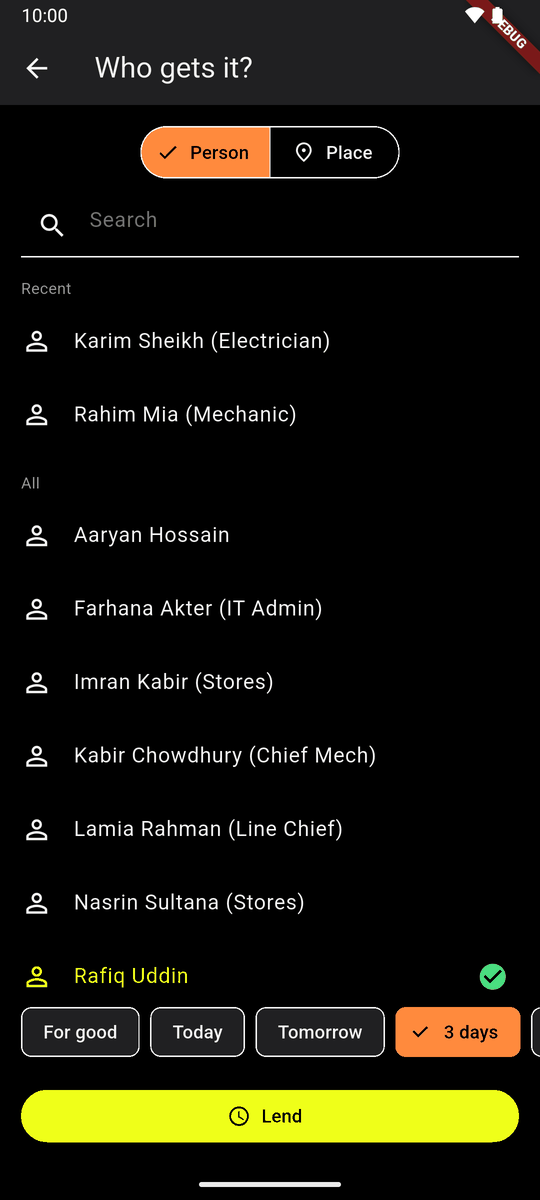
Rafiq, 3 days: Lend The borrower scans it as usual. It reads With Rafiq Uddin and Back by 26 Oct.
After that day it reads Late back, and people are told each day.
On the website: Lend it for a time instead on the hand-over form.
Give it back, take it back
The borrower opens the machine's page and taps Give back. That is all a borrower may do with it. If the lender is not around, tap Give to a manager.
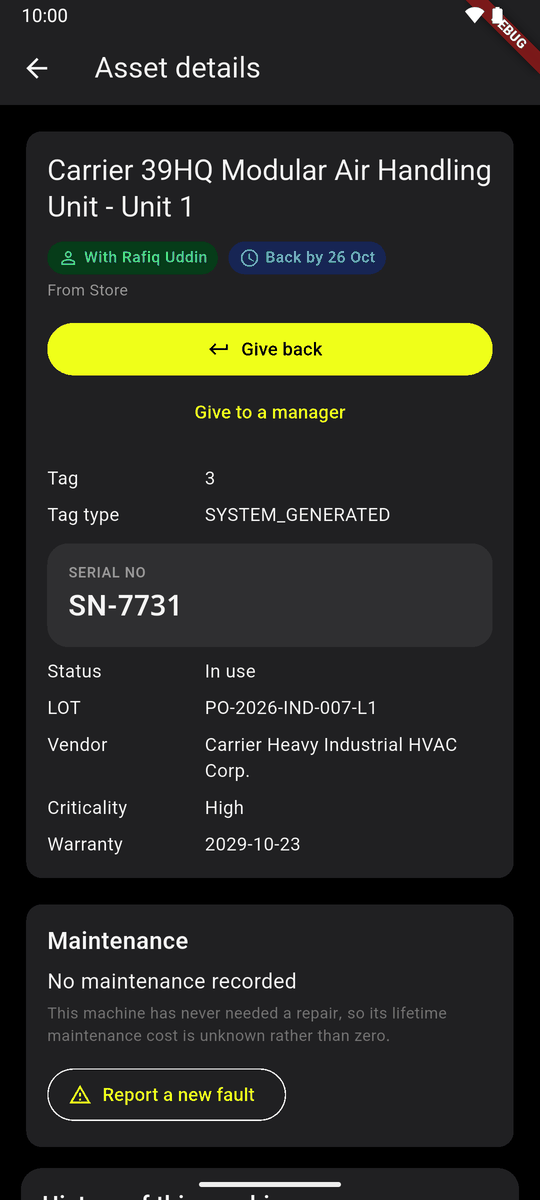
A borrowed machine: Give back It reads Waiting · Store (or the lender's name) until it is scanned.
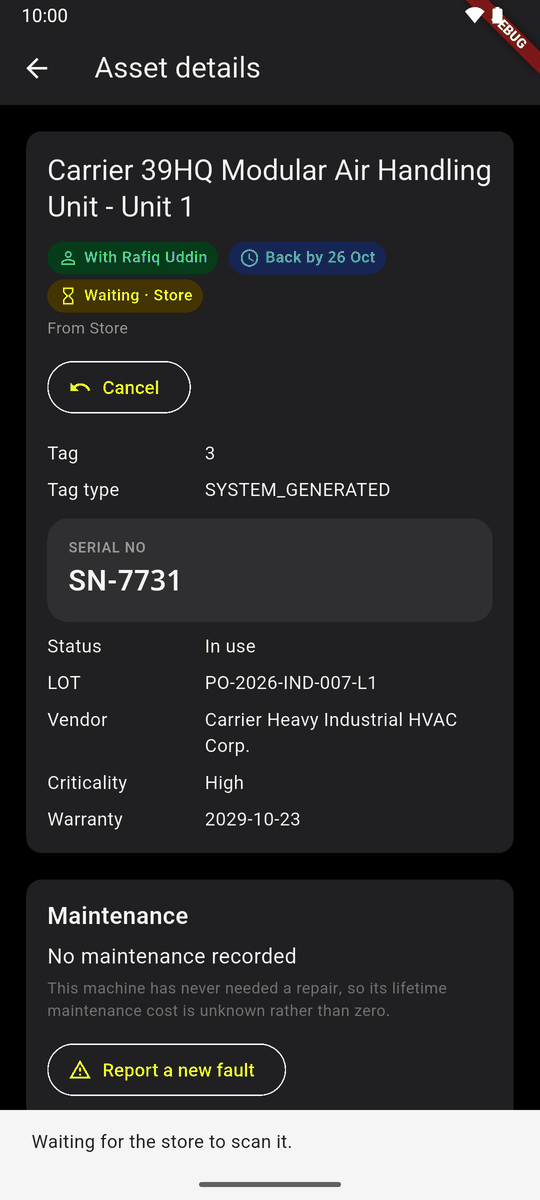
Waiting · Store The lender (or the store) scans it to take it back, at any time. The phone asks once: Take it back from Rafiq? Back in the store, it says In store.
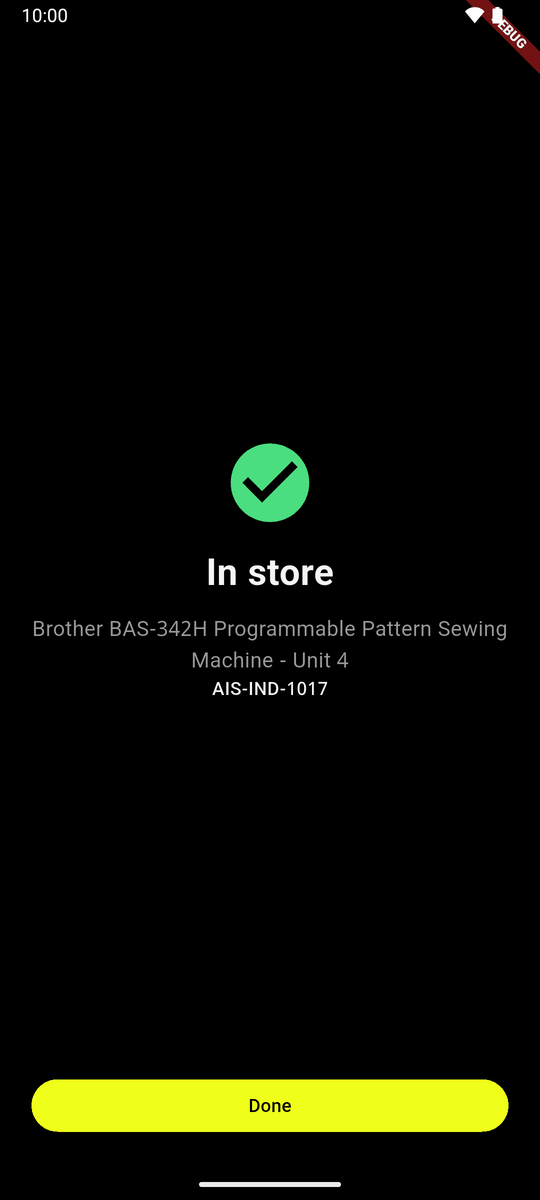
In store
- The loan ends when the borrower tapped Give back, not when it was scanned.
- If the two do not agree, an assignment manager or administrator looks at the machine and taps Settle: where it really is.
History
More → Handover history: every finished handover, newest first. It needs a signal.