Chapters
Manual homeChapter 2
Who does what
Each account has a role. The role decides what the phone's Home shows, which pages the website's menu has, and what you may do. One person can have two roles.
| Role | On the phone | On the website |
|---|---|---|
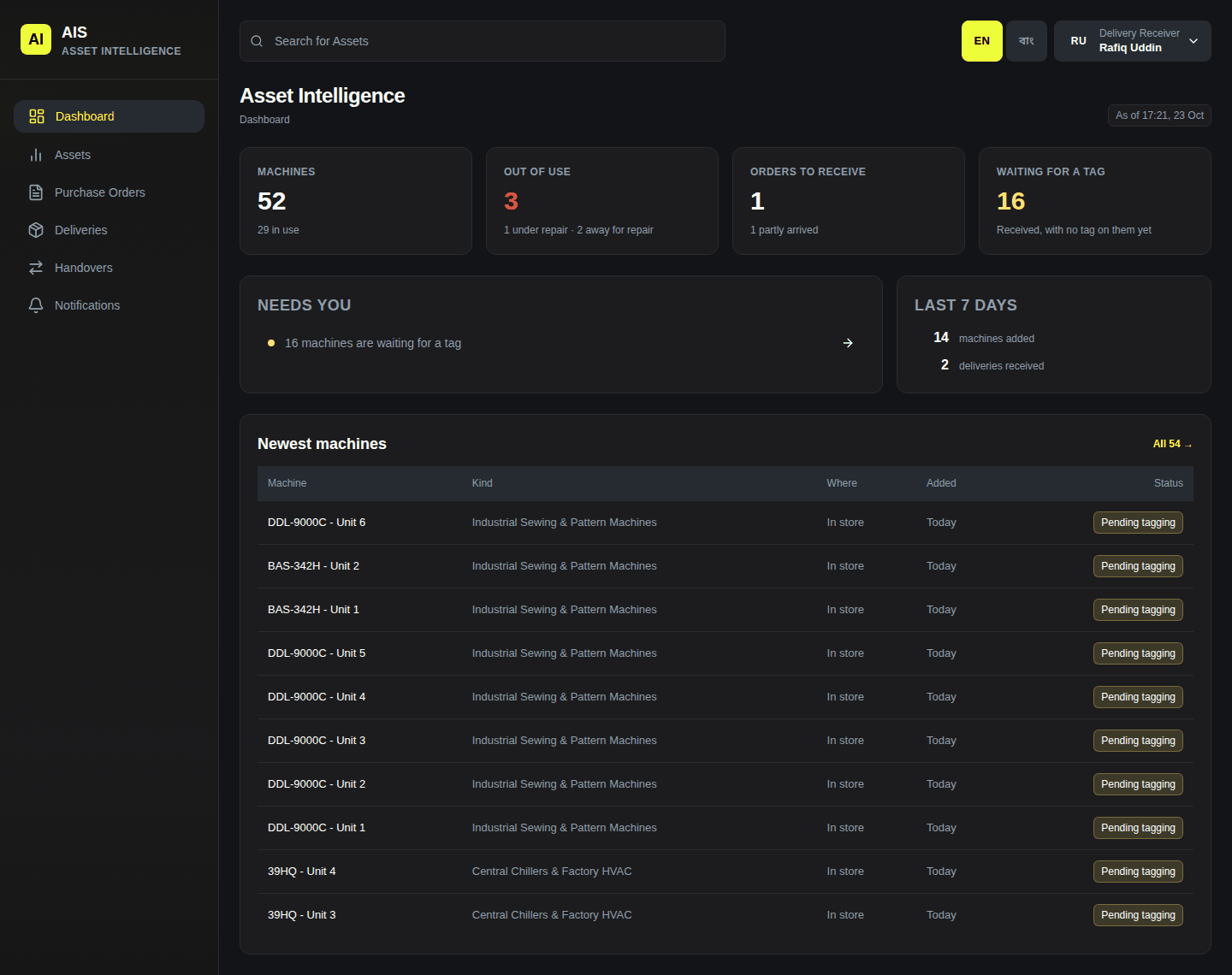
| Delivery receiver | Orders to receive, New delivery, Scan machines, Deliveries to finish. | Reads orders, deliveries and machines. |
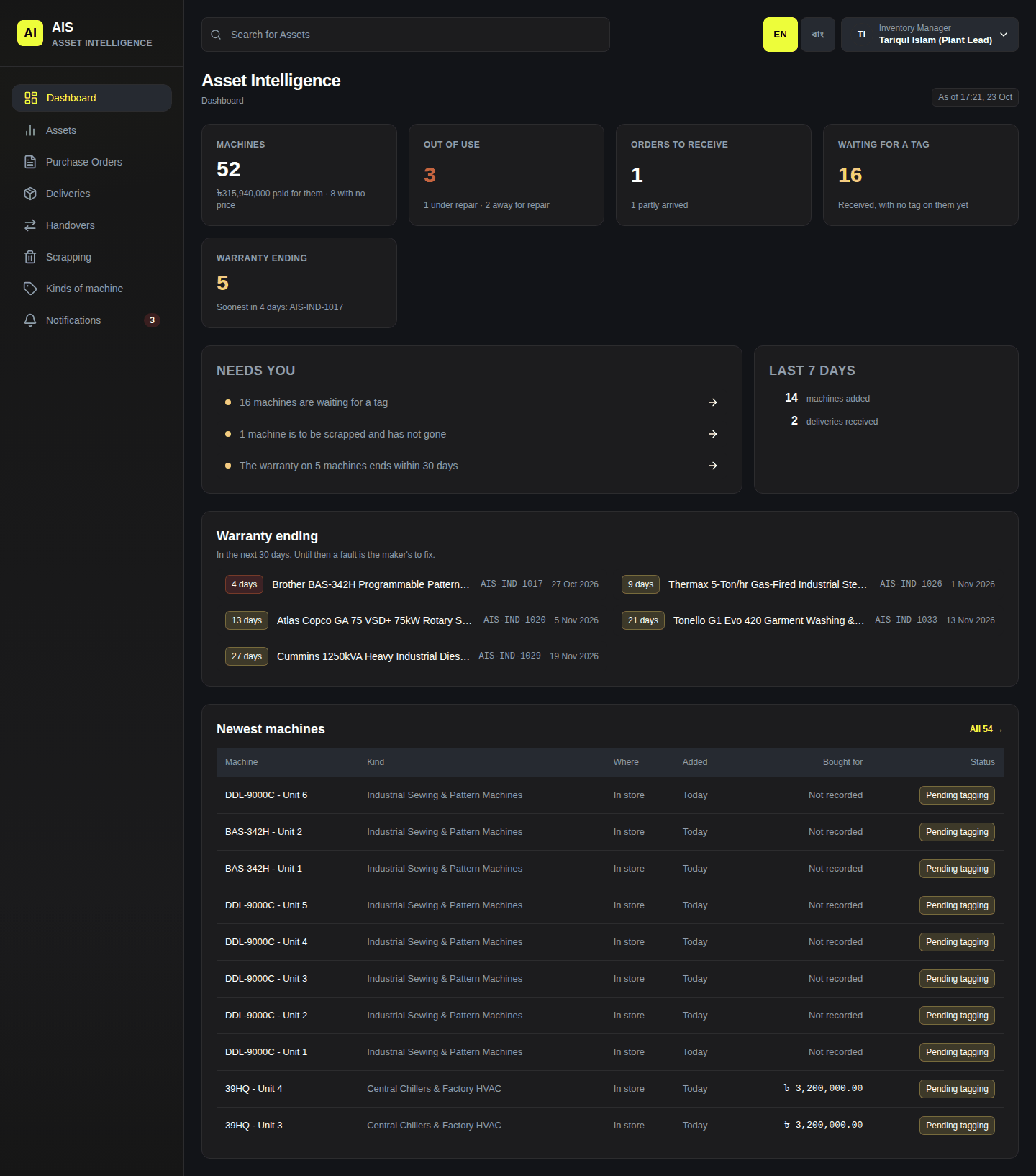
| Inventory manager | Deliveries to finish with the office's work: tags, serials, details. Marks To look at as Looked at. Takes machines back into the store. | Machines, kinds of machine, records a scrapped machine as gone. |
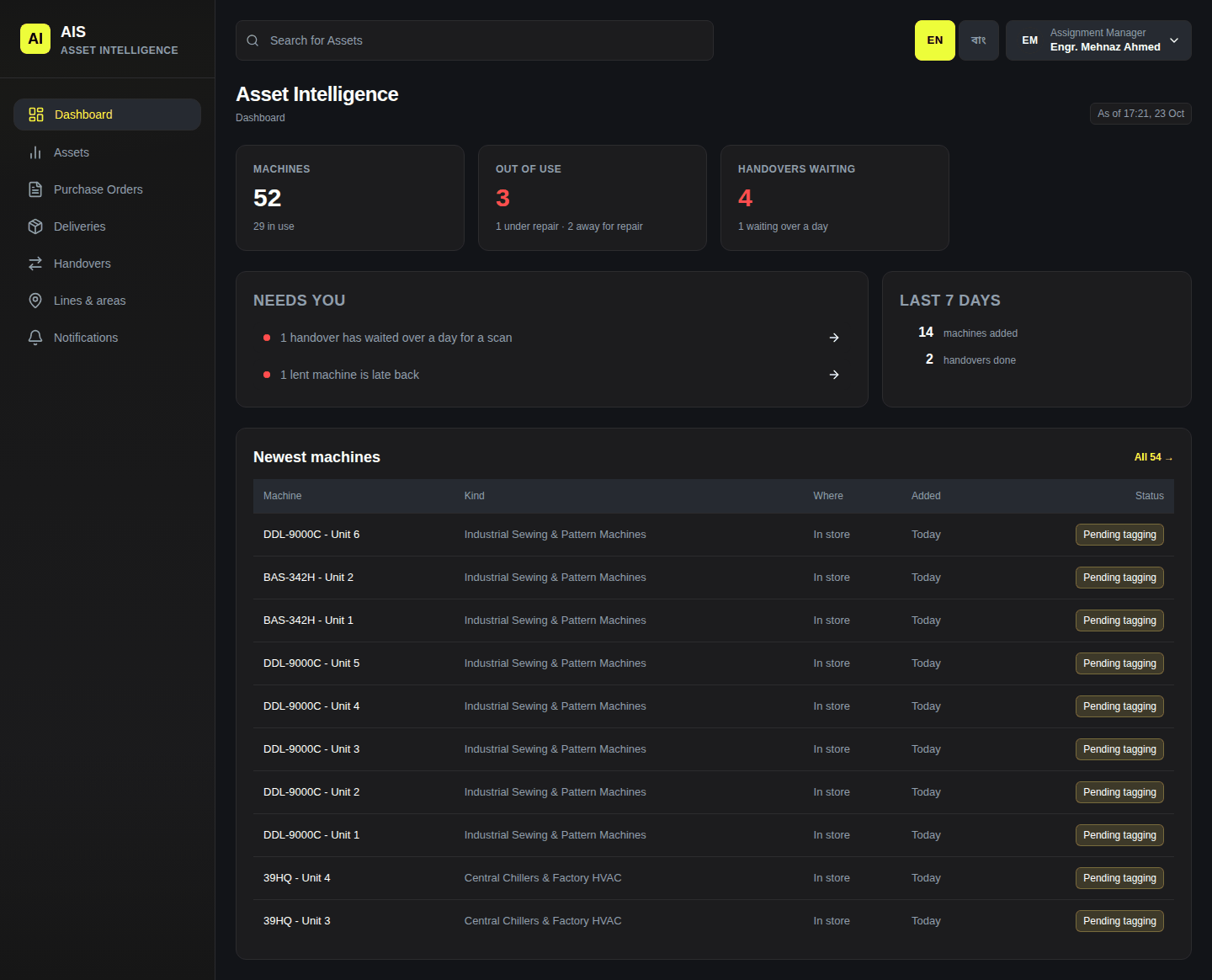
| Assignment manager | Hand over, Waiting, Report fault. | Handovers, lines and areas. |
| Maintenance manager | Machines to fix: faults nobody has started, and repairs. | Repairs, planned work, kinds of work, breakdowns, stop reasons. Recommends scrapping. |
| Administrator | Deliveries, orders, New delivery, all repairs. | Every page. People, shifts. Approves or refuses scrapping. |
Everybody, whatever the role, can report a fault, receive a machine handed to them by scanning it, and read the website.
Only a receiver, an inventory manager or an administrator may change a delivery's count (chapter 6).
The dashboard for each role
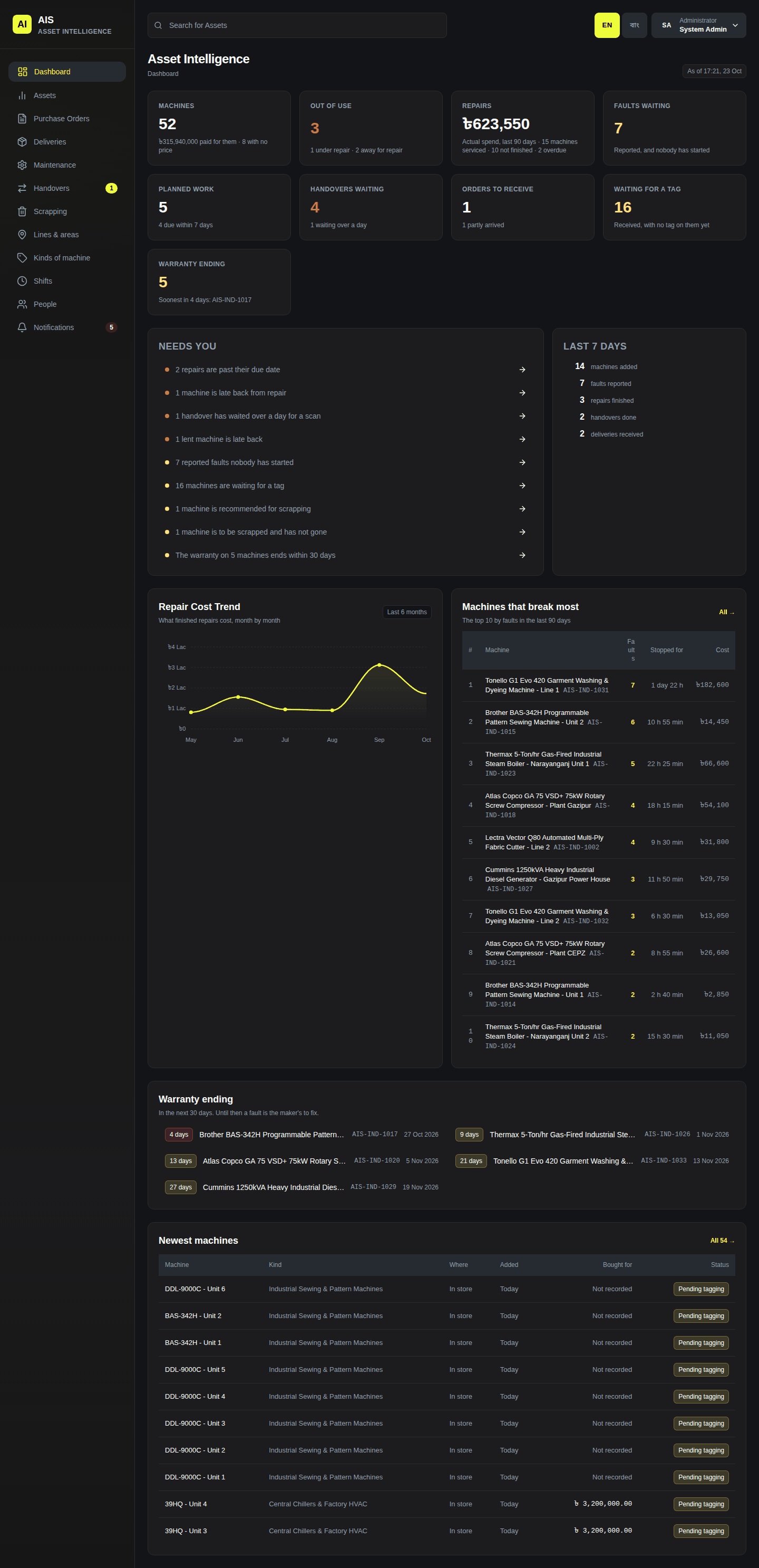
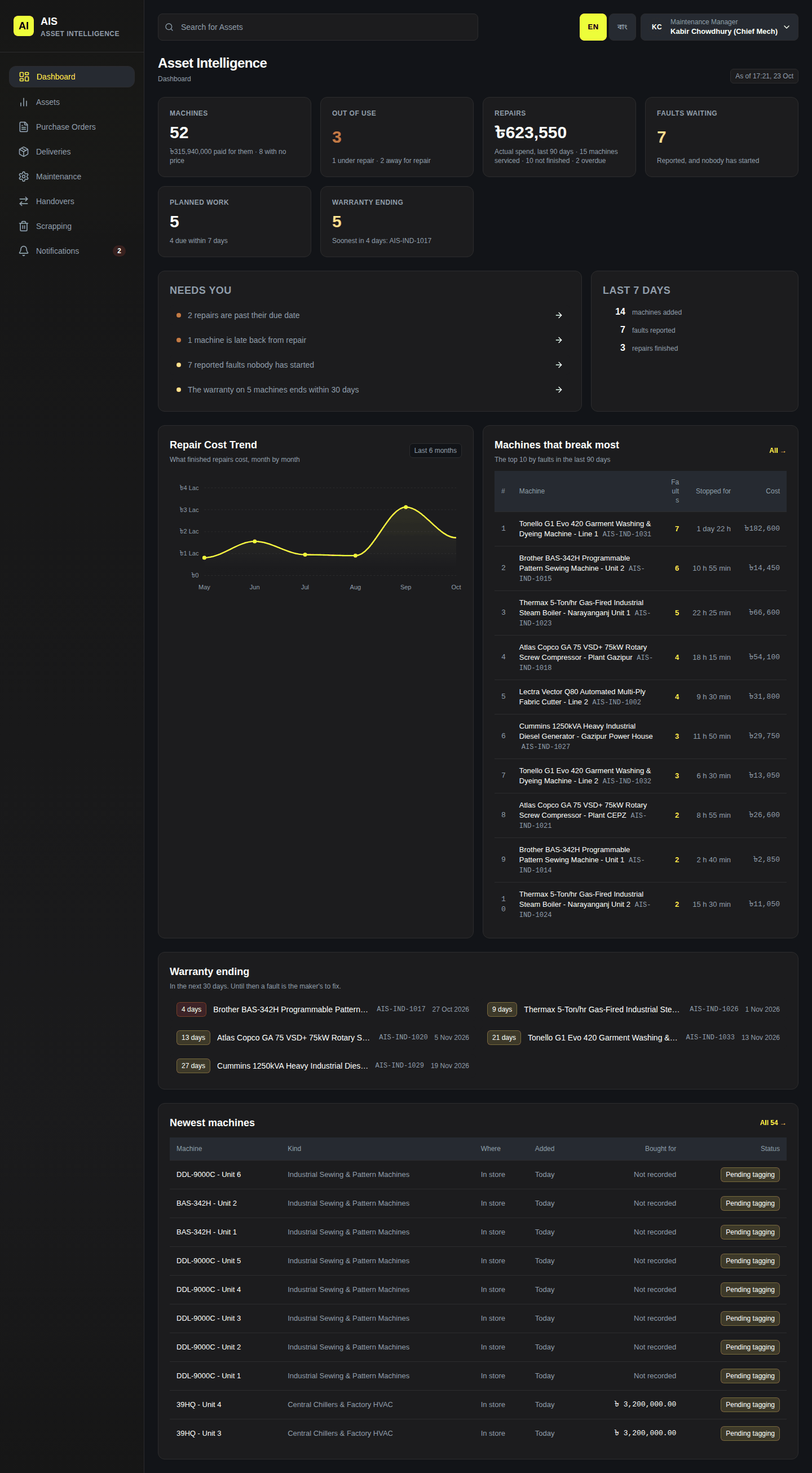
The website's Dashboard shows each role its own figures. Needs you lists what is waiting for you; click a row to open it.
Administrator
Delivery receiver
Inventory manager
Assignment manager
Maintenance manager
The people and their roles are on the website's People page, for an administrator (chapter 13).