Chapters
Manual homeChapter 7
Deliveries to finish
Who: whoever receives or keeps machines, on the phone.
Every delivery with something left for you to do, in one list.
On Home, tap the first card, Deliveries to finish. The number is how many. 1 to look at in red means something waits for the supervisor.
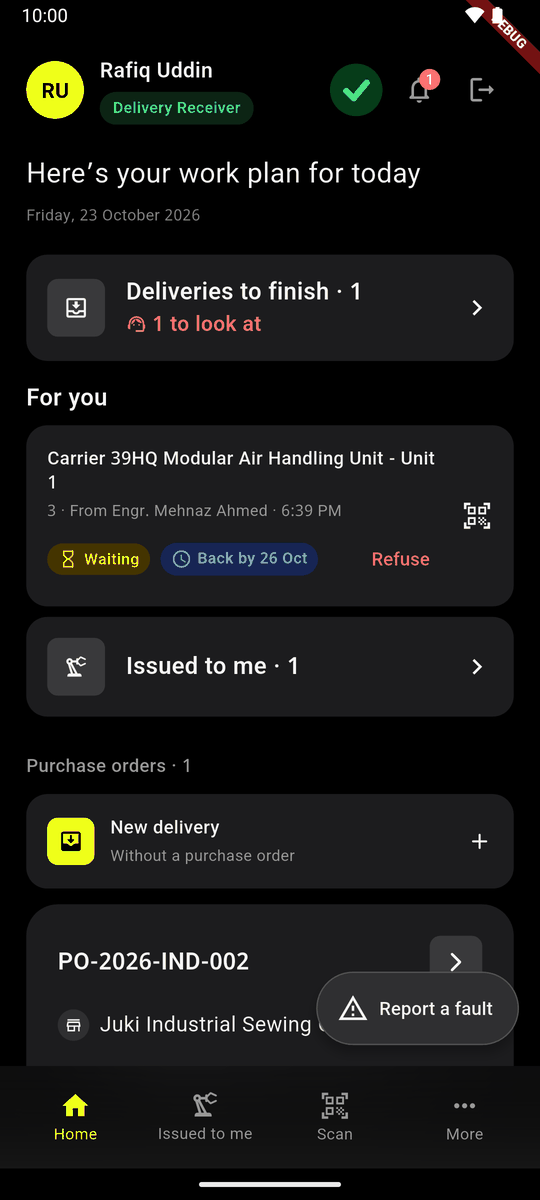
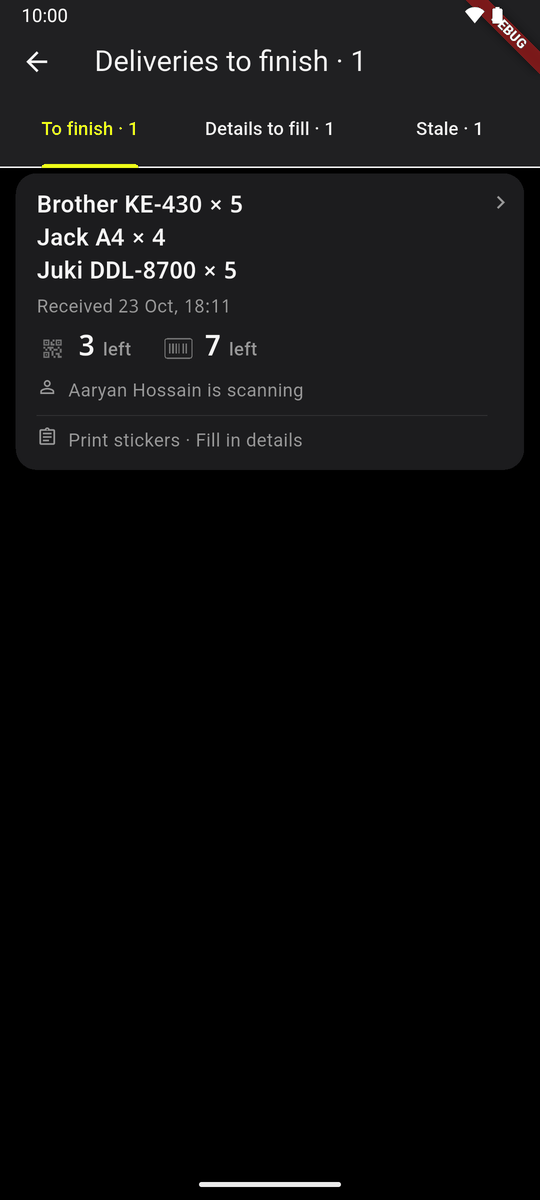
Home: Deliveries to finish · 1, 1 to look at Each row shows the models, when the delivery came in, and how many tags and serial numbers are left. A tick means none left.
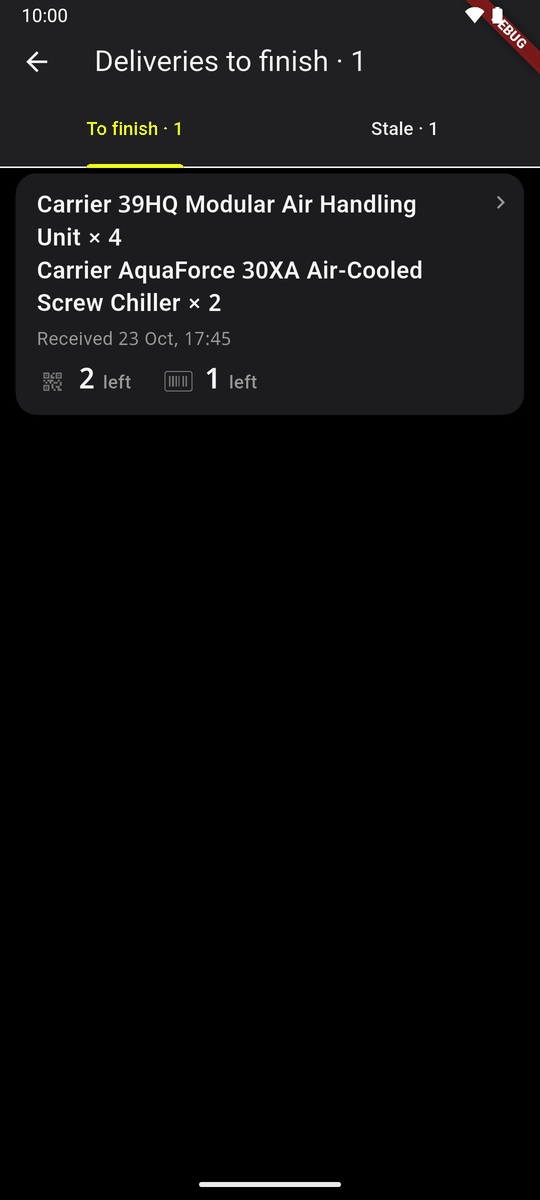
Deliveries to finish, for a delivery receiver Red rows come first, then the ones scanned on this phone, then the newest.
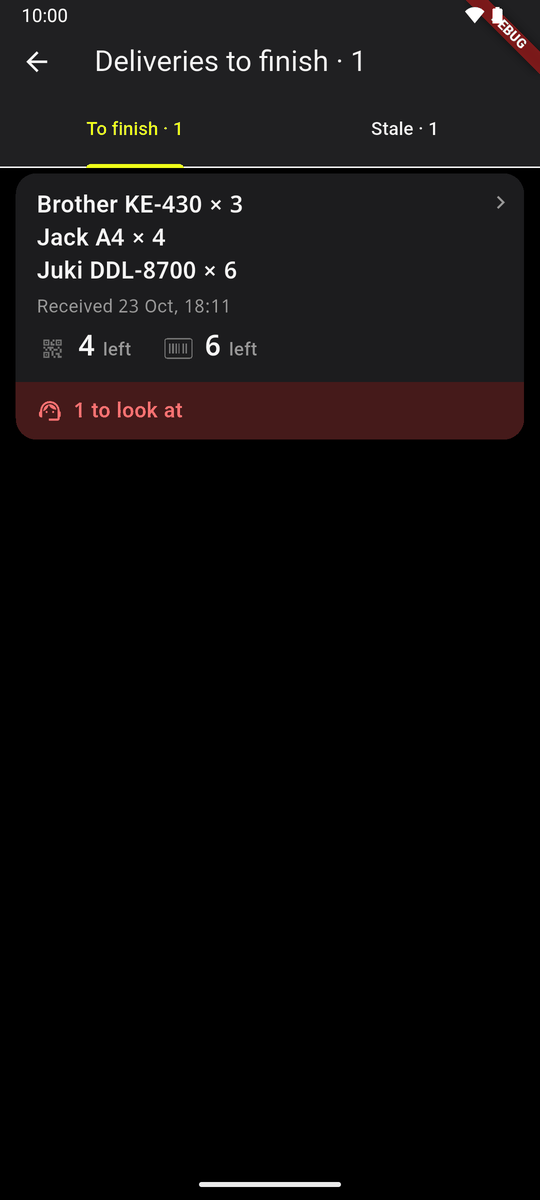
A row with something to look at Tap a row. Its Delivery received opens. Back brings you back to the list.
A delivery you finish stays in its place, marked Finished, while the list is open.
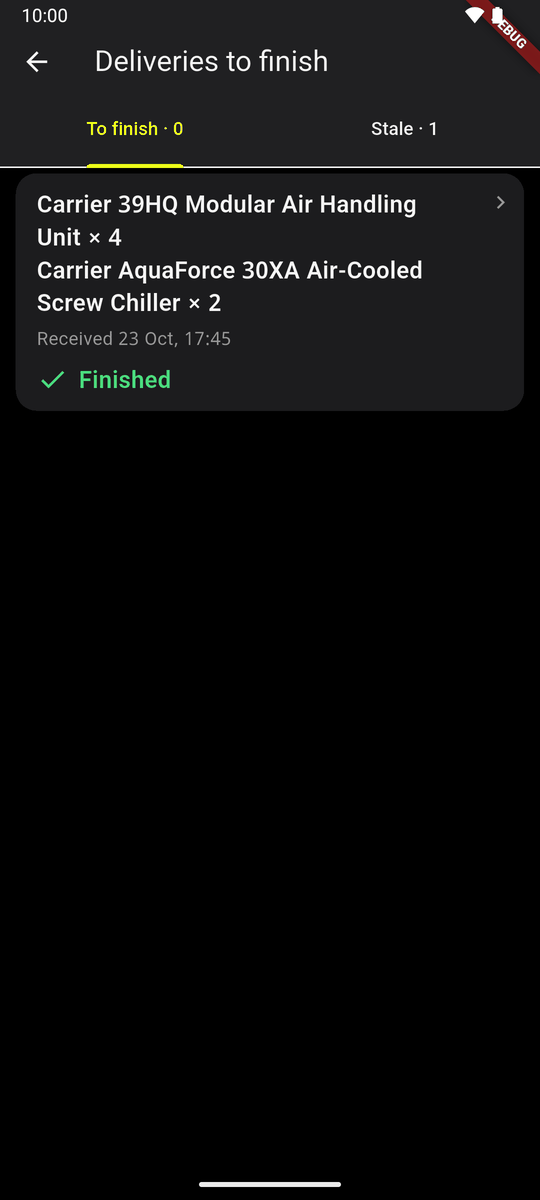
Finished
The tabs
- To finish: the floor's work, tags and serial numbers.
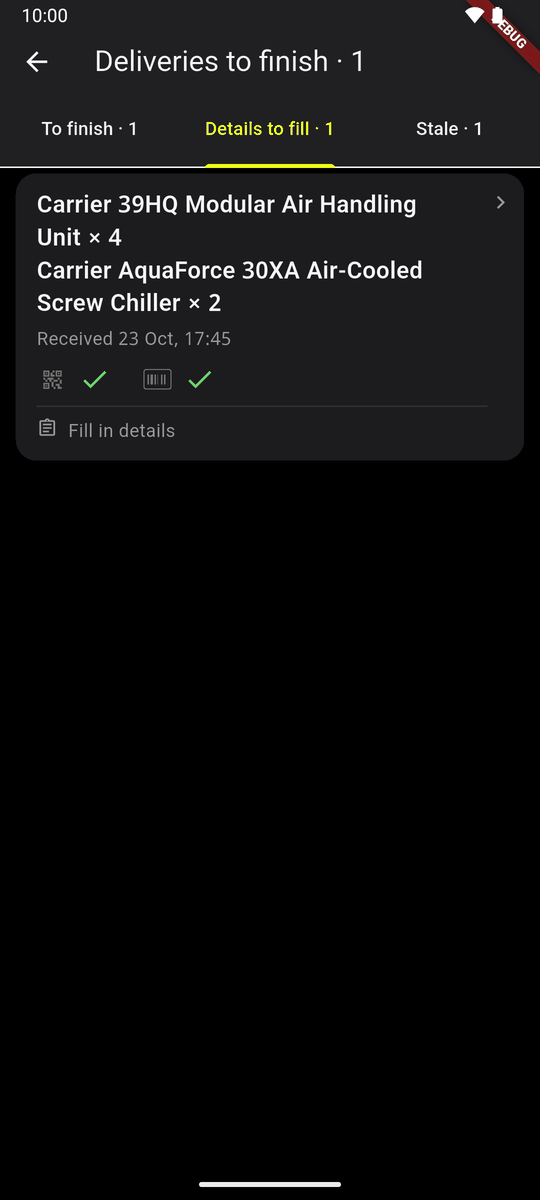
- Details to fill: deliveries the floor has finished whose Fill in details is not done. Not shown to a delivery receiver.
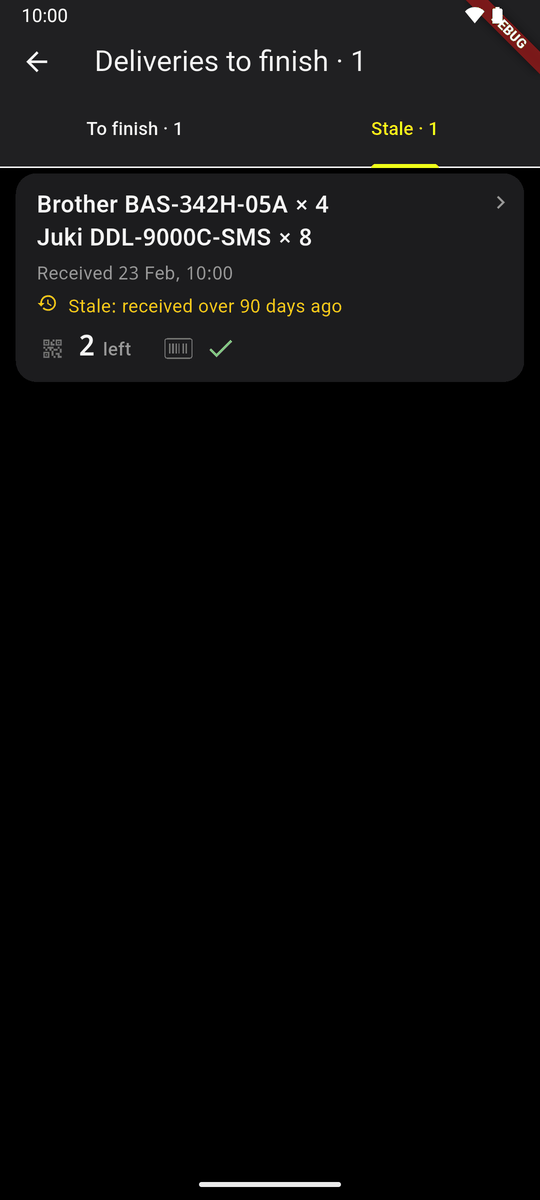
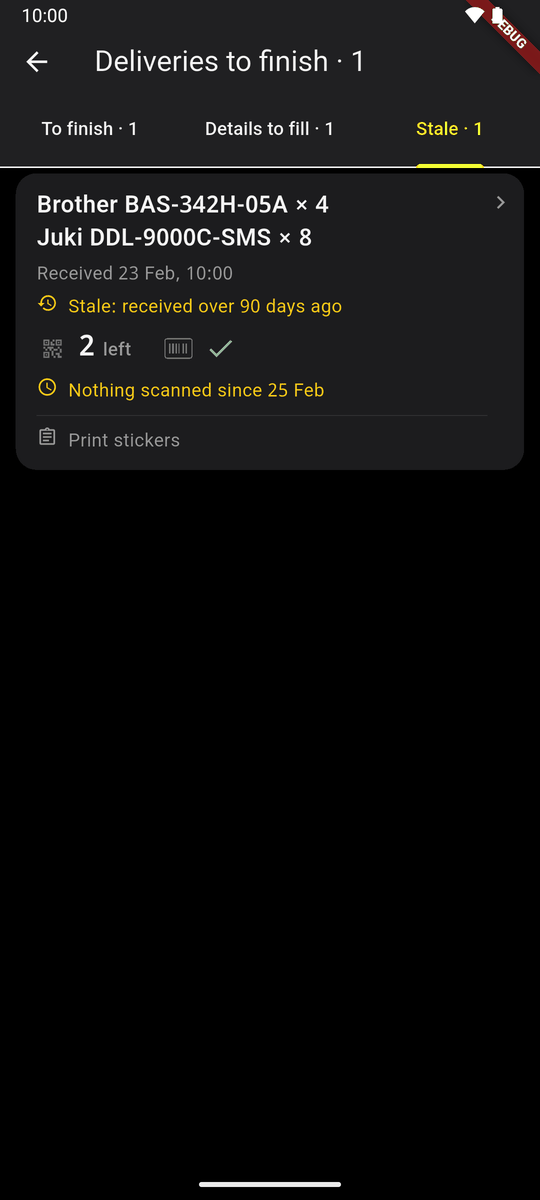
- Stale: received over 90 days ago. They are not counted on Home.
A delivery receiver sees two tabs; an inventory manager or an administrator sees three. Their rows also say what is left for the office (Print tags · Fill in details) and who is scanning.
Other things a row may say
- Nothing scanned since 25 Feb, amber: floor work is left and nobody has scanned for two days.
- Aaryan Hossain is scanning: somebody else is scanning it now.
- Kept on this phone: scans not sent yet.
- With no signal the list is the one from the last time there was signal, and says from when.